Payreq will notify you when a new document arrives. Documents are held in the Inbox section of your Payreq Mailbox.
- Sign in at go.payreq.com.
- Open the Inbox.
- Browse the list or use the available search and date filters to narrow the results.
- Select a document to open its details and preview.

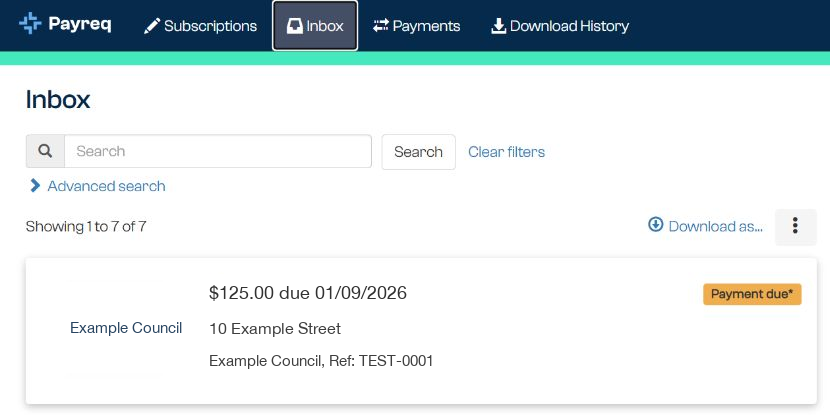
The newest documents normally appear first. The information available for searching depends on what the issuing organisation provided with the document.
If a PDF does not display correctly
Select Download, then open the file in a current PDF reader. On a phone or tablet, use the device's Files or Documents app to locate the downloaded file and choose a compatible PDF viewer.
If the file still does not open, try another current browser or device. Contact Payreq Support if the same document cannot be viewed or downloaded after these checks.
Contact the issuing organisation if the document opens but its content is incorrect.
Was this article helpful?
That’s Great!
Thank you for your feedback
Sorry! We couldn't be helpful
Thank you for your feedback
Feedback sent
We appreciate your effort and will try to fix the article