Whether earlier pay statements appear in Payreq depends on what your employer has made available.
- Sign in at go.payreq.com.
- Open the Inbox.
- Use the date or document filters to search the relevant pay period.
- Select a statement to view or download it.
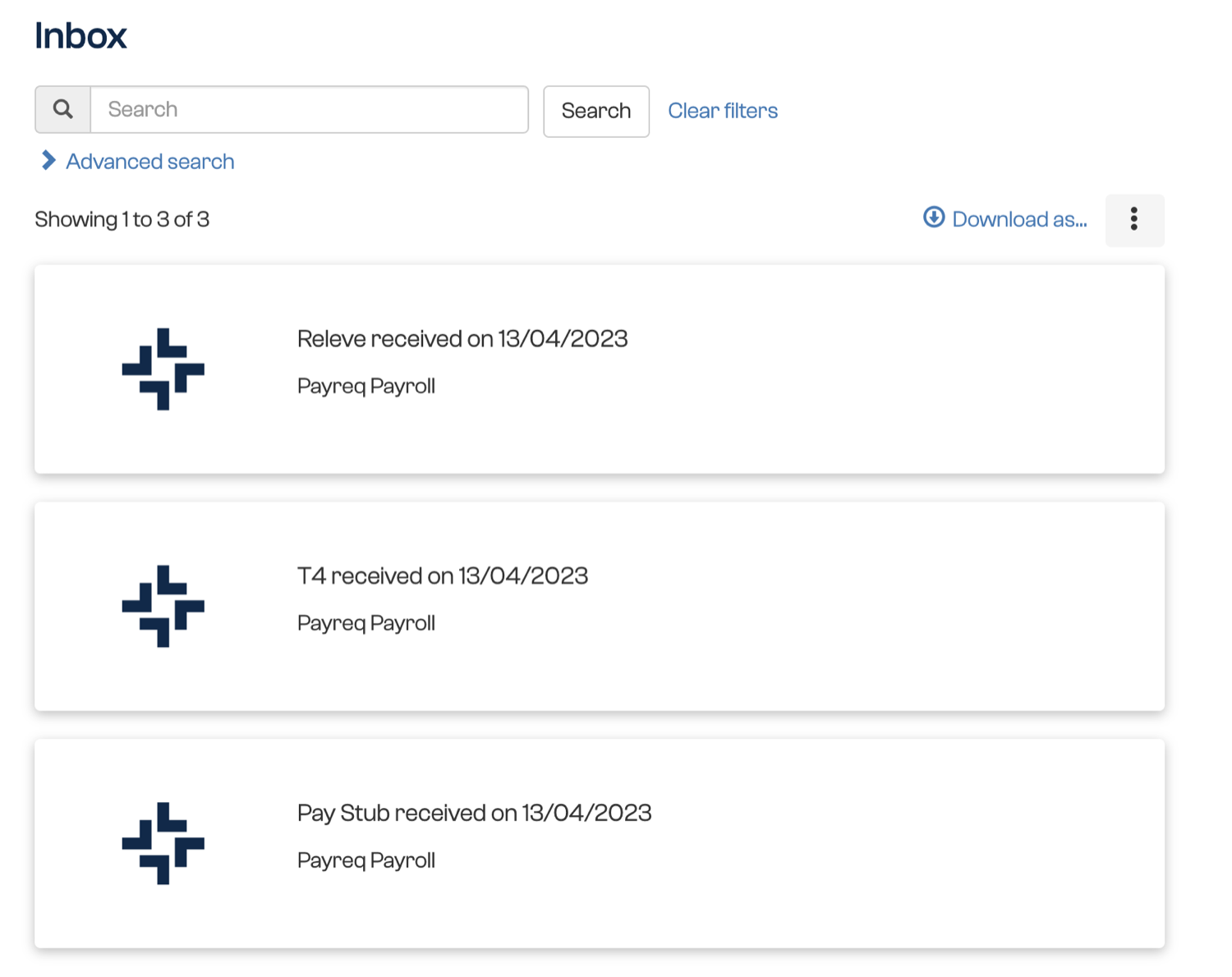
If your employer has enabled archive delivery, earlier documents stored before you subscribed may appear automatically after your subscription becomes active. Allow up to one hour for available documents to appear, then refresh the page or sign out and back in before checking again.
Payreq can only display documents supplied by your employer. If the statement is not available, contact your employer's payroll or HR team and request a copy. Payreq Support cannot create or change a pay statement.
Was this article helpful?
That’s Great!
Thank you for your feedback
Sorry! We couldn't be helpful
Thank you for your feedback
Feedback sent
We appreciate your effort and will try to fix the article